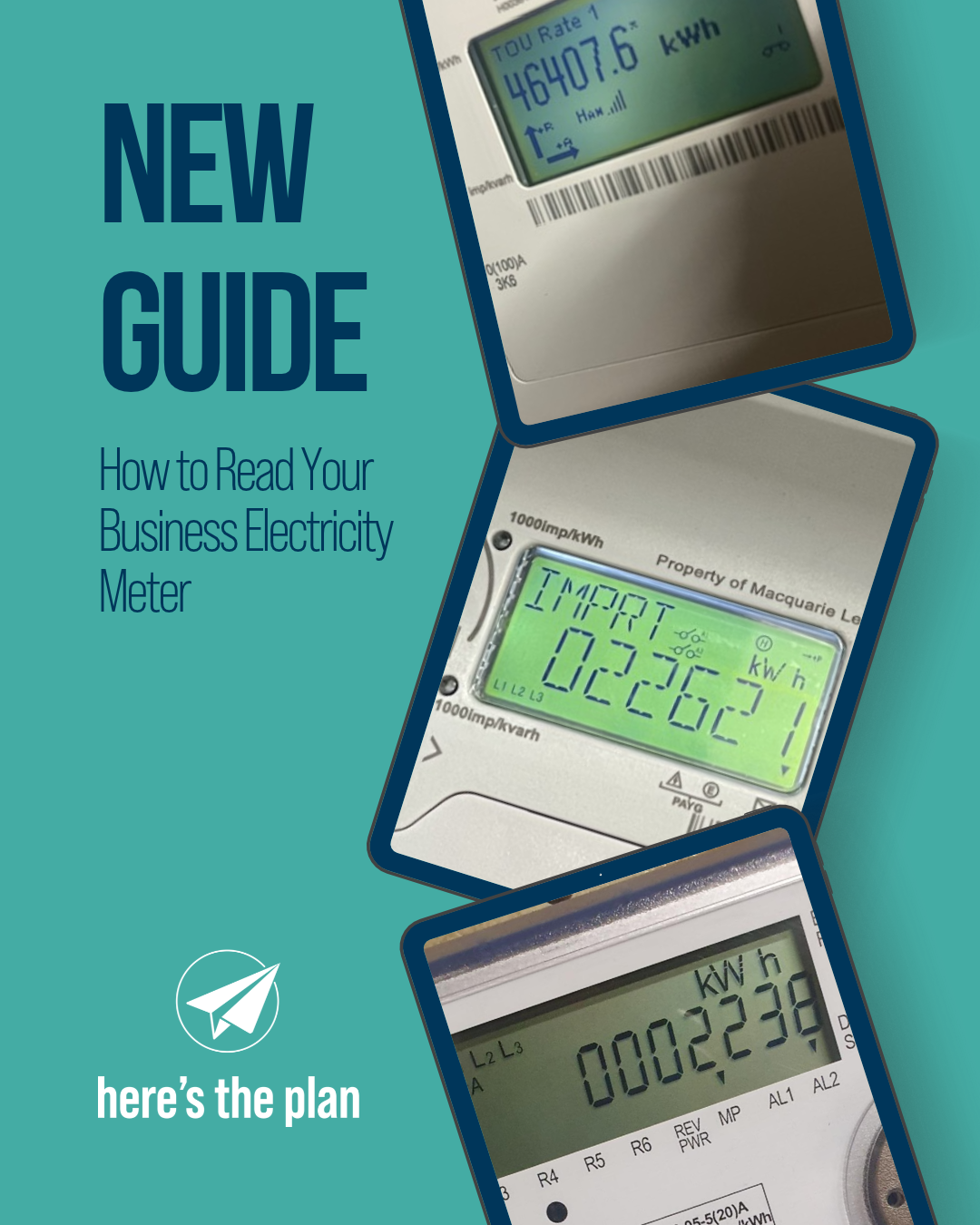
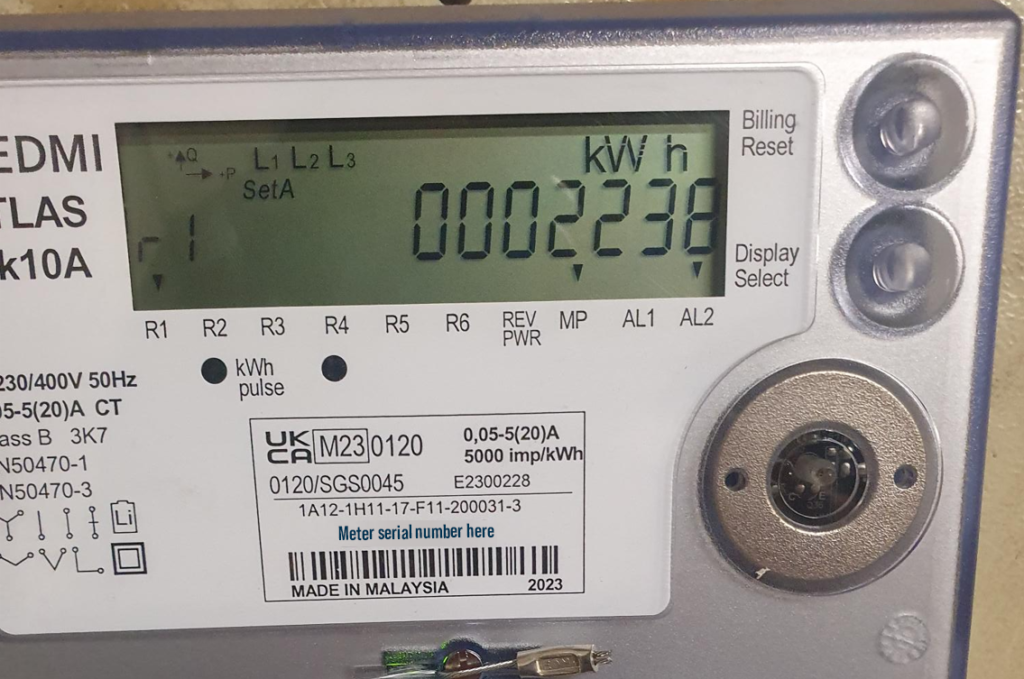
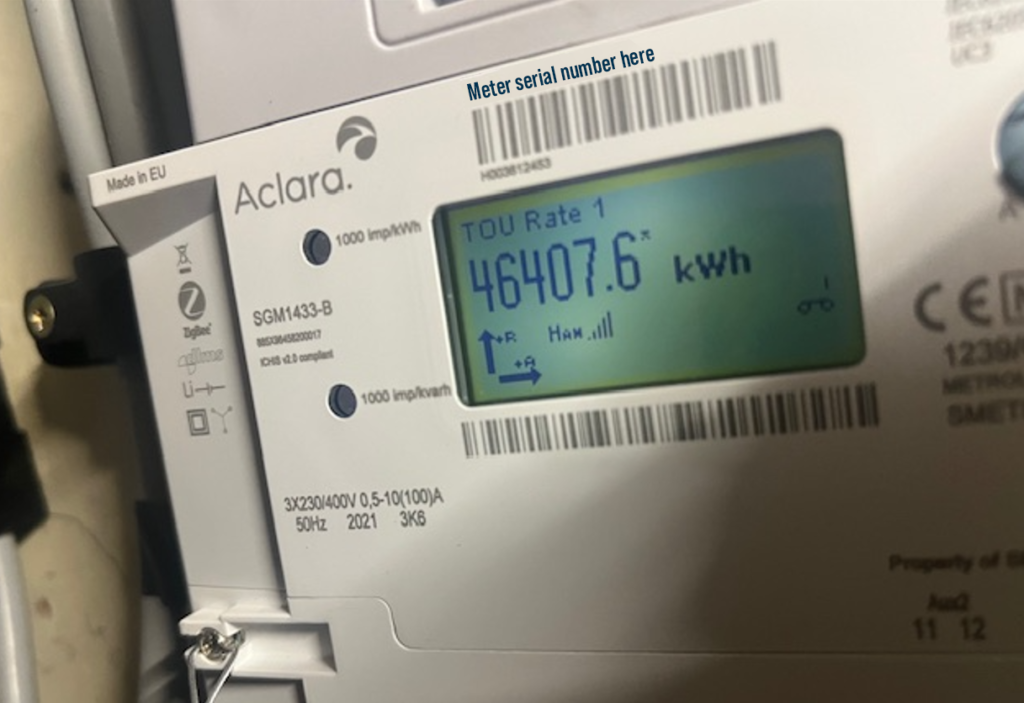
Many businesses only look at their electricity meter when asked for a reading, but understanding how it works can help you monitor energy usage and ensure your bills are accurate.
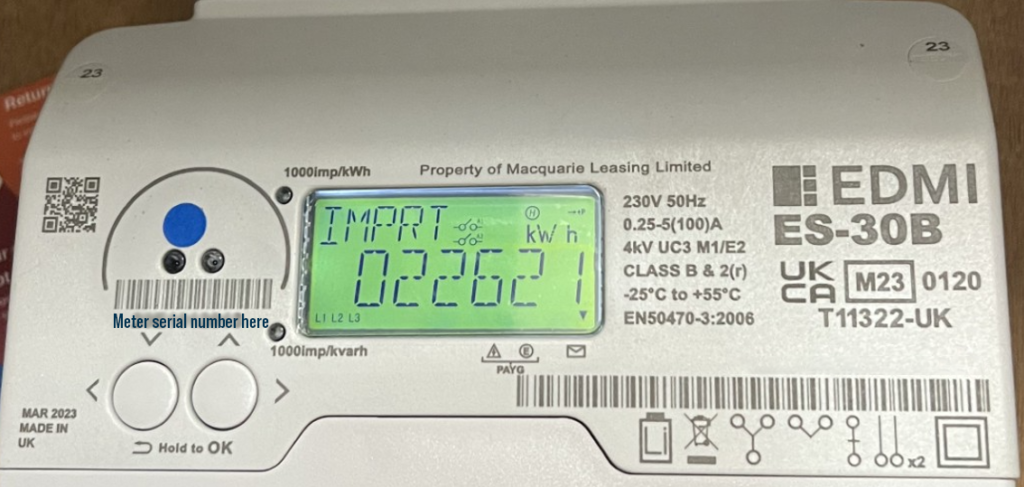
As consultants, we often ask our clients for meter readings at the start and end of a supply contract so we can check billing accuracy, correct estimated invoices, and verify consumption patterns. We usually request photos showing both the meter reading and the meter serial number. As photographs capture the date and time they were taken, they can provide valuable evidence should a billing dispute arise.
If you’re not sure how to find the correct screen, read on…
Assuming you have a digital meter, business electricity meters remain in “sleep mode” to conserve power. To wake the display, simply press the button on the front of the meter. Some models may instead use an “A” button or a button marked “Display”. Continue pressing the same button to scroll through the various screens.
Readings We Commonly Ask For
Energy usage read which can show as Rate 1 (R1) and Rate 2 (R2) or IMP kWh (Imported Energy) and will be in kWh (Kilowatt Hours)
These are the most important screens. They show the electricity your business has imported from the grid and are the readings most suppliers use for billing.
Businesses on multi-rate tariffs, such as Economy 7, may have separate day and night registers. If you have a dual-rate tariff, take photos of both readings and ensure the meter serial number is visible in each image.
We request meter read images at the start and end of your contract. However, if a meter read dispute is required, suppliers will request 2 sets of meter read images taken exactly 5 or 7 days apart to complete their meter read dispute. We will let you know if this is needed.


Exported Energy in kWh displayed as EXP kWh
This may also be displayed as:
- E Total
- AE
- AEI
- Export
- E-
If your business has solar panels or other on-site generation, this screen shows the electricity exported back to the grid.
Readings You Can Usually Ignore
Date and Time
We rarely need these screens when requesting a meter reading. Unless you are taking a video of your meter readings, please include date and time screen.
MD (Maximum Demand)
This shows the highest level of power your site has drawn over a specific period rather than how much energy you’ve consumed.
kVArh, KVARh, RCAP, REACT or RIND
These registers measure reactive energy, which is the energy used to create magnetic fields in equipment such as motors, compressors and transformers. For most businesses, these readings can be ignored.
Q1, Q2, Q3 and Q4
These are reactive energy quadrants used for more detailed electrical analysis and are not required by most businesses.
PF (Power Factor)
Power factor is a measure of how efficiently your business uses electricity. A lower power factor can indicate that more power is being drawn from the network than is being converted into useful work.
Still Not Sure?
If you’re unsure which reading to provide, simply take a photograph of the meter screen, along with the meter make, model and serial number, and send it to us. We’ll identify the correct register and make sure the right reading is used for your business tariff.
theteam@herestheplan.co.uk
01738 474 630